
- contact@sunpro.com.sg
- 18 Kaki Bukit Road 3, #03-09 Entrepreneur Business Centre, Singapore 415978
-
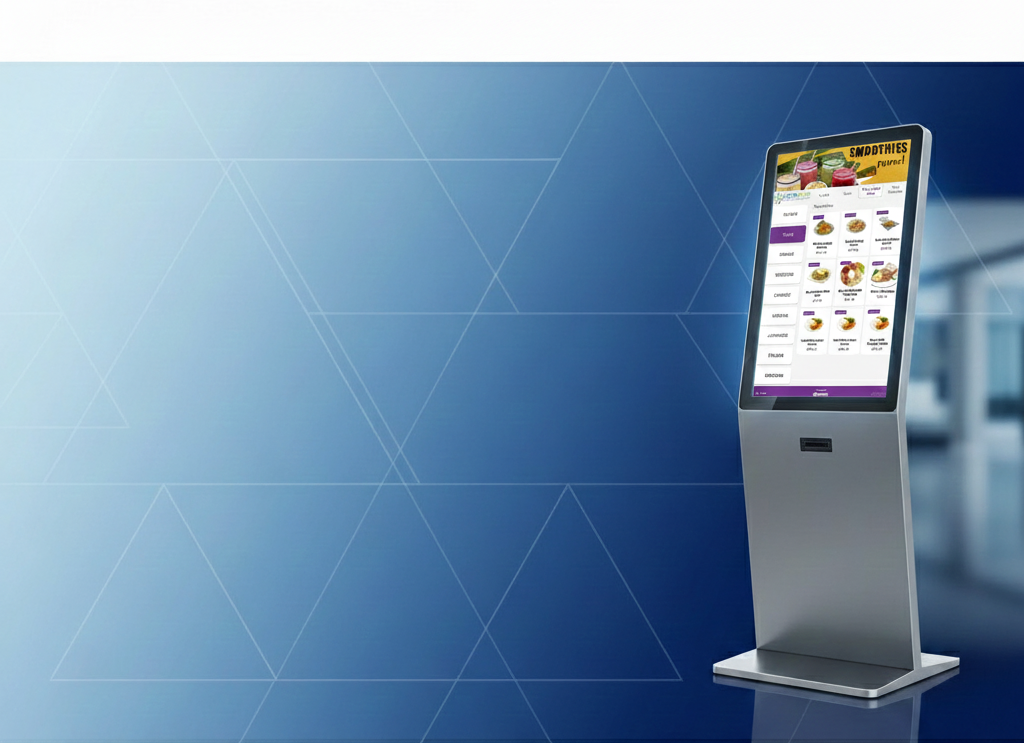 Start selling food online in days
Complete Restaurant
Digital Solutions for
KioskRunning a restaurant has never been easier. Sunpro Dine Connect is designed to simplify your daily operations, improve efficiency, and boost profitability — all from one powerful platform. -
 DIGITALPOS + QR CODE ORDER + KIOSK ORDER + ONINE ORDER
Complete Restaurant
Digital Solutions
for KioskTransform your dining experience with Sunpro QR Code Ordering System — the ultimate contactless solution designed for modern restaurants and cafés. Customers can simply scan, order, and pay — all from their smartphones, with no app download required.

Sunpro Dine Connect – Kiosk Self-Order System
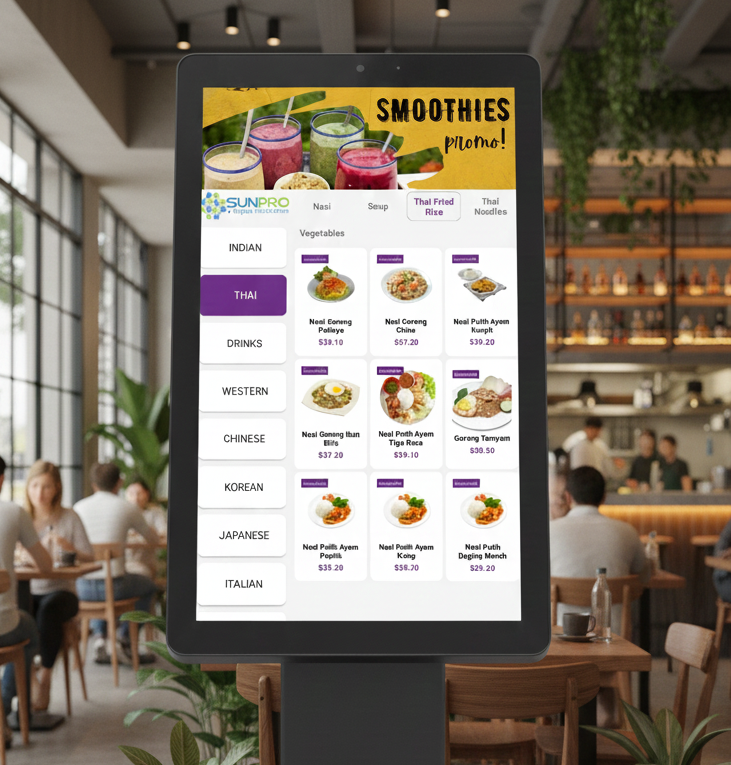
Empower your customers to order, customise and pay on their own – fast, accurate and hassle-free.
Sunpro Dine Connect Kiosk is a modern self-order solution designed for busy restaurants, cafes, food courts and quick-service outlets. Reduce queues, improve order accuracy and boost your sales with eye-catching digital menus and a smooth ordering experience.
Key Highlights
-
Touchscreen self-order kiosk
-
Integrated with Sunpro Dine Connect POS
-
Nets & online payments ready
-
Supports dine-in, takeaway & delivery
-
Real-time kitchen printing / KDS
-
Cloud-based with 24/7 support
Why Choose Our Kiosk Self-Order System?
Key Features
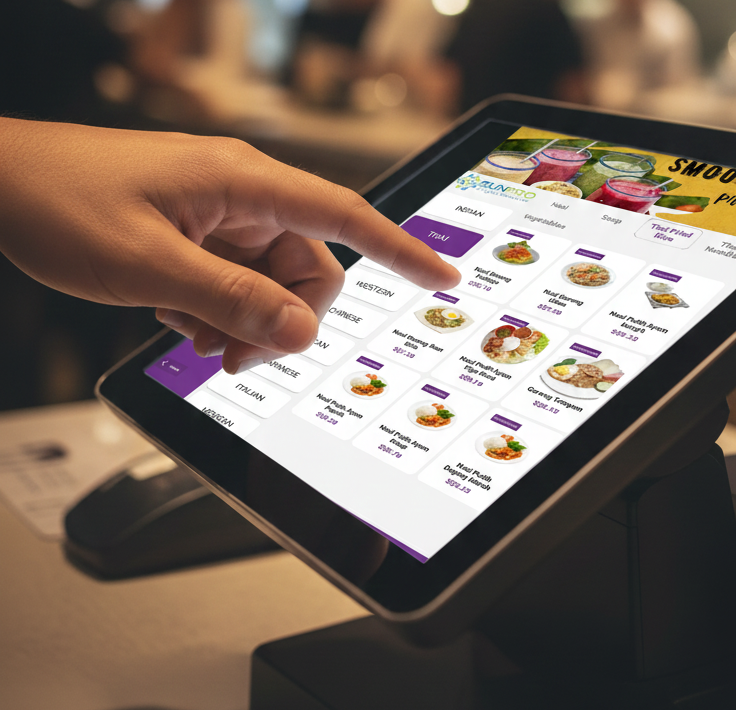
Intuitive Touchscreen Ordering
- Large, easy-to-read buttons and product images
- Category-based browsing (Mains, Drinks, Sides, Promotions, etc.)
- Multi-language support (configurable)
- Simple, step-by-step order flow
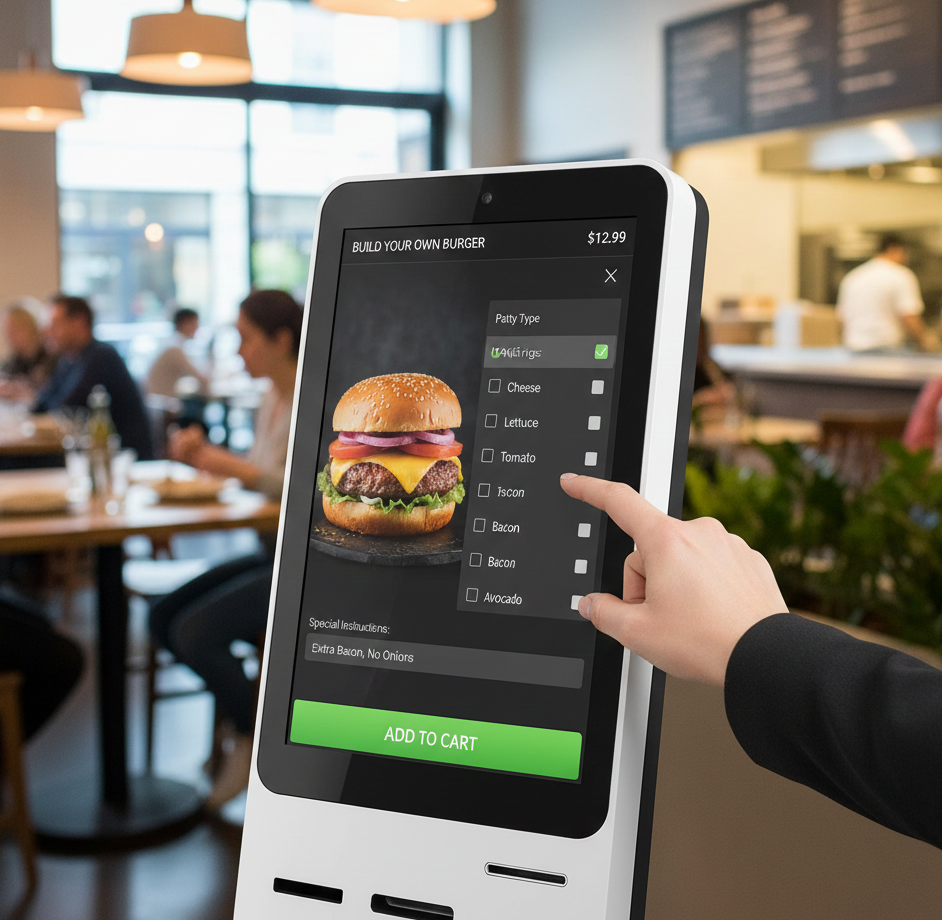
Customisation & Modifiers
- Add/remove ingredients
- Choose portion size, spiciness level, sides, drinks, toppings, etc.
- Display extra charges clearly before checkout
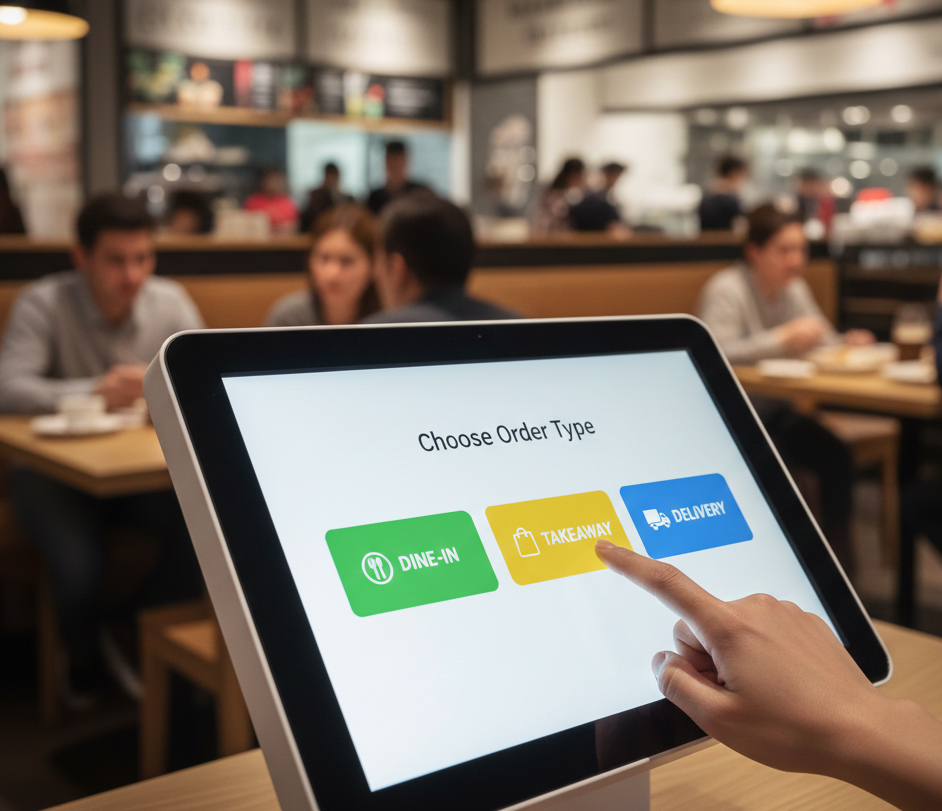
Multiple Order Types
- Dine-In (with table number or queue number)
- Takeaway
- Delivery (optional, if enabled)
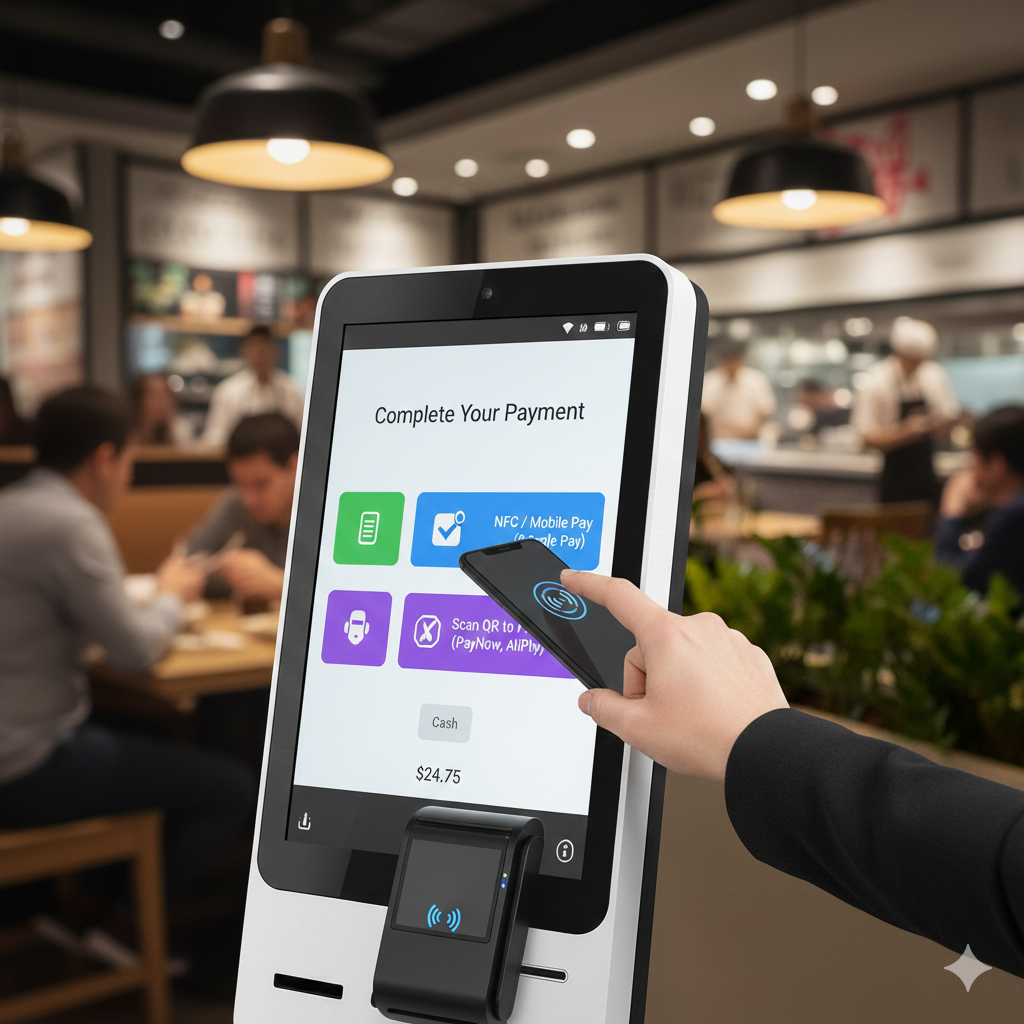
Integrated Payments
- Nets integrated (where applicable)
- Support for card, QR payment and other payment methods (as configured)
- Payment confirmation automatically updates the POS and kitchen
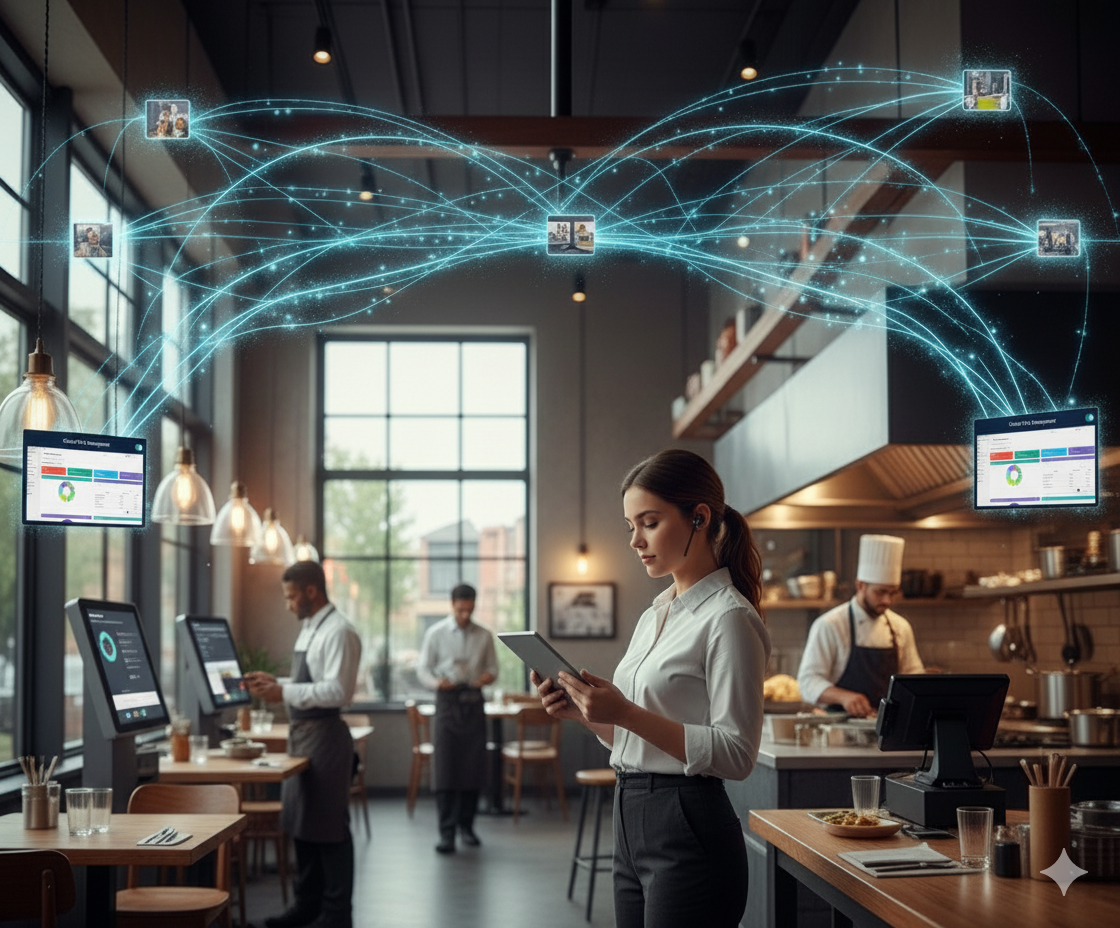
Real-Time Kitchen Integration
- Orders go straight to Kitchen Printer or Kitchen Display System (KDS)
- Clear item details with modifiers and remarks
- Faster preparation and less confusion between counter and kitchen
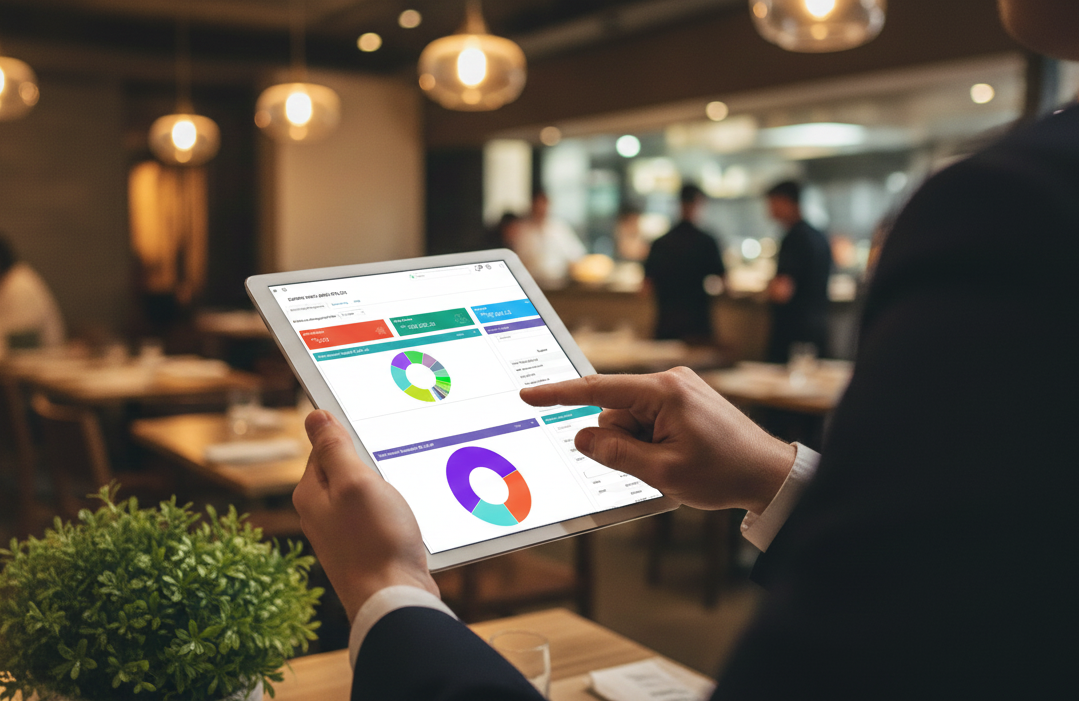
Sync with Back-Office & Reports
- All kiosk sales appear in your Sunpro Dine Connect reports
- View daily sales, peak hours and best-selling items
- Centralised management for menu, prices and promotions
Operational Benefits
Suitable For
- Quick-Service Restaurants (QSR)
- Fast Casual Dining
- Cafes & Bubble Tea Shops
- Food Courts & Hawker Centres
- Central Kitchens with multiple outlets
- Any F & B concept with high walk-in volume
Example Use Flow (Customer Journey)
- Customer walks in and goes to the Kiosk
- Selects Dine-In or Takeaway
- Browses menu, chooses items and customises order
- Reviews order summary and total amount
- Pays via Nets / card / QR payment
- Receives receipt or queue number
- Order automatically goes to Kitchen Printer/KDS
- Customer collects food when their number is called/shown
Key Advantages of Sunpro Dine Connect Kiosk
- Very user-friendly interface – minimal training needed
- Fully integrated - with POS, kitchen and back-office
- Cloud-based – access reports anytime, anywhere
- Local Singapore support – from a Singapore-based company
- Flexible setup – single kiosk, multiple kiosks, or combined with counter POS, QR Order and Online Order
- Future-ready – can integrate with loyalty, membership and advanced AI modules (coming soon)
Optional Add-Ons
- Integration with Sunpro QR Self Order System
- Integration with Online Ordering & Delivery Platform
- Loyalty points & membership
- Kitchen Display System (KDS)
- Advanced analytics dashboards for owners (Smart Boss style app, if you want to mention)
Frequently Asked Questions (FAQ)
Call-to-Action
